

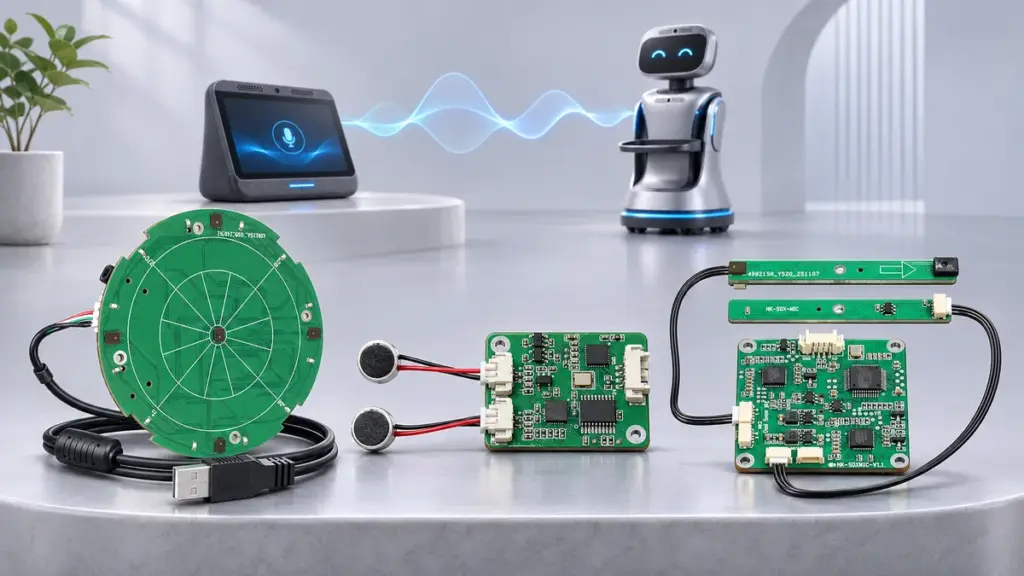
Microphone Array Modules for Smart Devices: Applications and Selection Guide
Voice interaction starts with the audio a device captures. For a smart terminal, interactive display, or service robot, microphone selection should begin with the intended conversation: where users stand, how far away they speak, and whether the system needs to distinguish different speaking positions.
At HAOKAI, we offer omnidirectional and directional microphone array modules for embedded voice applications. Our smart terminal solutions include focused, role-separated pickup, while our robotics solutions include circular arrays with sound direction feedback. Explore our smart terminal solutions and robotics audio solutions.
Choose the Pickup Pattern Around the User
Start by defining where speech should come from.
For a device that receives voice input from several directions, evaluate an omnidirectional array. For a terminal with defined speaking positions, evaluate directional pickup and the channel arrangement needed by the application.
These requirements can lead to different hardware choices within the same product category. A reception terminal that serves one visitor at a time has a different conversation layout from a tabletop translator used by two people.
Before selecting a module, document the expected speaking positions, working distance, and surrounding noise. Use that layout as the basis for prototype testing.
Smart Displays and Compact Interactive Terminals
A compact USB microphone array is an option for products that need voice input within a limited installation space.
HK-JZMIC-V1.0 combines two analog microphones with 360° omnidirectional pickup, voice enhancement, noise suppression, and automatic gain control. It supports USB Audio Class 1.0 through a USB 2.0 interface and measures 30 × 22.5 mm.
HK-JZMIC-V1.0 is designed for applications including conferencing terminals, smart displays, and human-computer interaction equipment. Its recommended best pickup distance is within 5 meters. Product teams should validate that distance in the intended enclosure and operating environment. View HK-JZMIC-V1.0 specifications.
Translation Devices and Two-Person Conversation Terminals
When an application needs separate audio from two speaking positions, channel separation becomes part of the hardware evaluation.
HK-SDXMIC-V1.1 uses four digital microphones with dual directional pickup zones and left/right channel separation. It supports voice enhancement, beamforming, noise suppression, and automatic gain control.
Its dual 60° directional pattern and recommended pickup distance within 3 meters make it an option for evaluating two-way translation devices and service terminals. The module also supports physical pickup-volume adjustment and one-click mute.
During testing, check how much each speaker appears in the opposite channel, including when both people speak at once. Separate channels should be evaluated in the final conversation layout before they are used for downstream transcription or translation. View HK-SDXMIC-V1.1 specifications.
Service Robots and Devices That Need Direction Feedback
Some smart devices need an indication of where speech originates so their application can respond to the speaker’s direction.
HK-QXMIC-V3.0 combines a five-microphone circular array with 360° omnidirectional pickup, sound source localization, serial TTL direction output, and LED source-direction indication. It also integrates acoustic echo cancellation, noise suppression, and automatic gain control.
The recommended pickup distance is 2 meters. HK-QXMIC-V3.0 is designed for applications including intelligent robots, AI terminals, and voice interaction equipment. View HK-QXMIC-V3.0 specifications.
Sound direction feedback estimates the direction of an incoming sound. A complete robot positioning or person-tracking function requires evaluation of the wider sensing system and application software. Learn about our robotics integration approach.
What to Verify Before Integration
Use a prototype test plan that reflects the device’s daily operation.
| Evaluation area | What to check |
|---|---|
| Speaking positions | Capture speech from every intended user position, including the edges of the pickup zone. |
| Working distance | Test at the normal operating distance and the farthest distance required by the application. |
| Host audio interface | Confirm device detection, supported audio formats, and channel mapping on the target platform. |
| Device playback | Test voice capture while the built-in speaker plays prompts or responses. |
| Mechanical installation | Repeat testing with the final grille, enclosure, mounting position, and cable routing. |
| Application performance | Evaluate the captured audio through the actual transcription, translation, or voice interaction workflow. |
Set acceptance criteria before comparing modules. For a translation terminal, that may include channel isolation and transcription accuracy for each speaker. For a robot, it may include the consistency of direction feedback at different user positions.
FAQs
Which HAOKAI microphone array should I evaluate for a smart device?
HK-JZMIC-V1.0 is an option for compact omnidirectional USB voice capture. HK-SDXMIC-V1.1 addresses two defined speaking positions with directional pickup and separate channels. HK-QXMIC-V3.0 adds circular pickup and sound direction feedback. Choose the evaluation path around the device’s conversation layout and interface requirements.
Does 360° pickup include sound source localization?
These are separate functions. Confirm localization support for the specific model. HK-QXMIC-V3.0 includes sound source localization and serial TTL direction output.
How should I validate pickup distance?
Test the assembled device at the intended speaking distances, with representative background noise and speaker playback. Keep the same conditions when comparing modules, then check performance in the application that will use the audio.
Plan the Audio Front End Around Your Application
Begin with a drawing of the device and its expected speaking positions. Add the required working distance, host interface, channel requirements, and speaker location.
Use those requirements to compare our microphone array modules and define the tests needed for your prototype.
You May Also Like
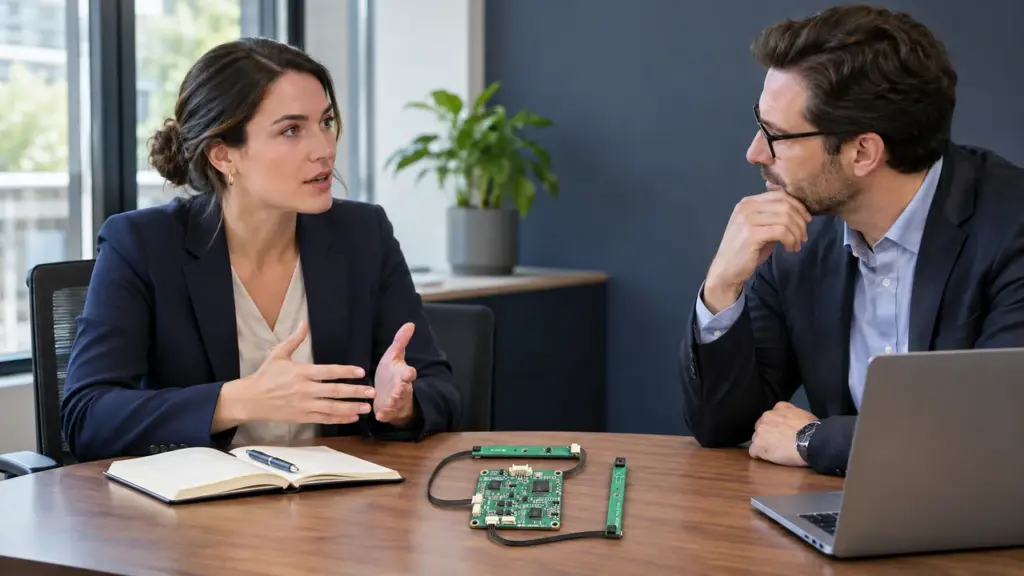
A directional microphone array for business meeting terminals: HK-SDXMIC-V1.1
Evaluate HK-SDXMIC-V1.1 for two-position business meeting terminals, with practical guidance on pickup layout, audio channel routing, transcription, and prototype testing.
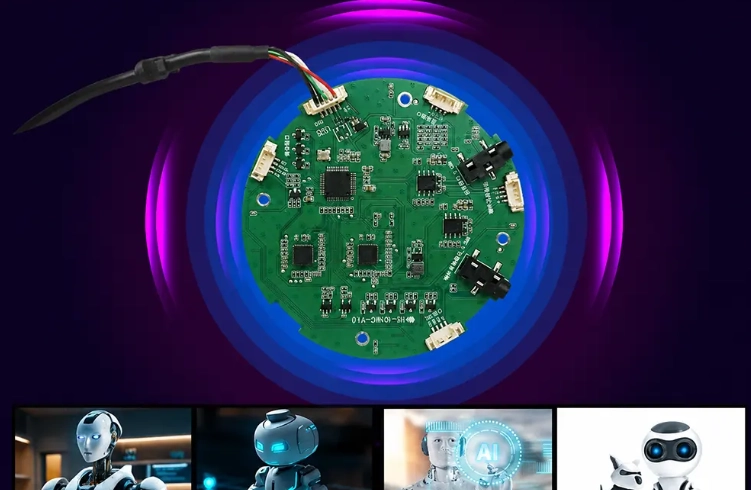
Robot Microphone Array Applications: Voice Interaction, Sound Localization, and Integration
Explore microphone array applications in service robots, humanoids, telepresence, industrial interfaces, and research, with practical guidance on audio outputs, module...
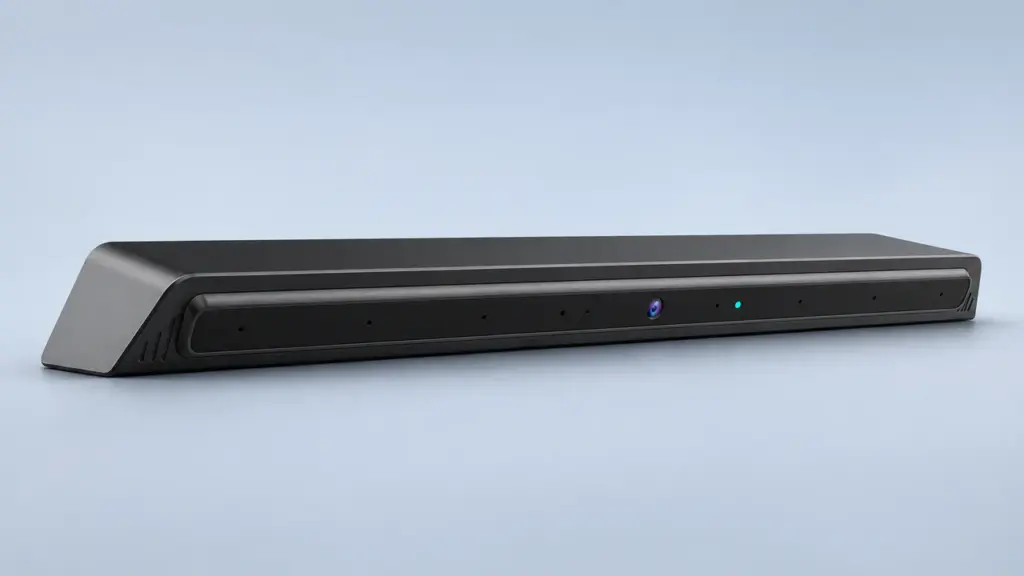
Integrating the HK-M80DC into kiosks and video conferencing devices
How to assess microphone coverage, camera framing, and USB integration when using the HK-M80DC in interactive kiosks and video conferencing...
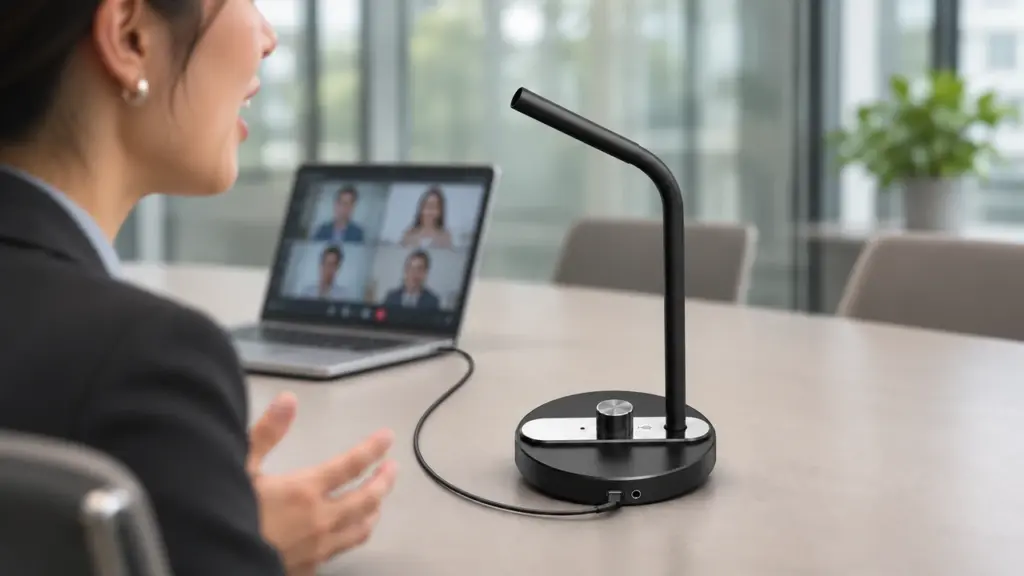
M20-Single 2-Array Directional Microphone for office calls and meetings
Set up the HAOKAI M20-Single directional USB microphone for desktop calls, presentations, and meetings with a fixed speaking position. Check...