

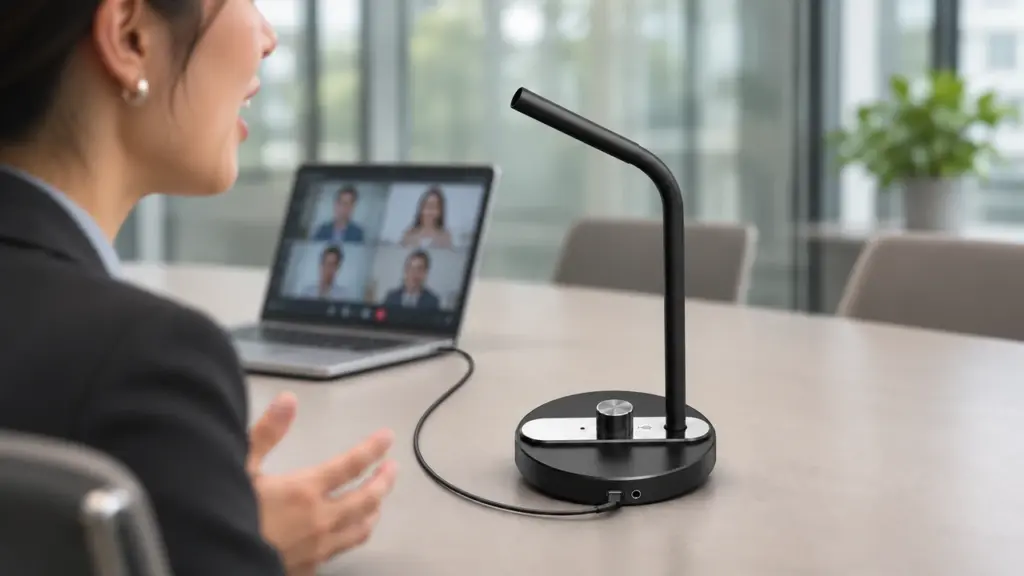
M20-Single 2-Array Directional Microphone for office calls and meetings
The HAOKAI M20-Single is 2-Array Directional Microphone for office setups with a defined speaking position. Its two-microphone array has a fixed 60° forward pickup angle and works best within 3 m (about 10 ft). The flexible gooseneck lets you aim the microphone head toward the speaker, while the base knob adjusts pickup level and provides one-press mute. These features suit a desk used for video calls, a presenter’s seat, or a designated speaking position at a meeting table. M20-Single technical specifications
Desktop video calls and customer support
Set the base where the speaker can reach the mute knob without leaning away from the microphone. Bend the gooseneck toward the speaker’s mouth in their normal seated position. If the workstation has two monitors, run a test call while the speaker looks at each screen and types as they normally would. Ask the person on the other end whether the voice stays clear when the speaker turns.
M20-Single uses USB Audio Class 1.0 over USB-C. Select it as the microphone input in the meeting or softphone app, then check the input level and confirm how the app behaves when you press and release the hardware mute. If remote audio plays through desk speakers, test at normal playback volume while both sides speak. M20-Single has built-in noise suppression. Check how the host or app handles acoustic echo from loudspeaker playback during the call.
In-person meetings with a designated speaker
For a project briefing or business review, place M20-Single at the seat where the chair or presenter normally speaks. If colleagues seated nearby also need to be recorded, play back a short sample from each intended seat. Check the people at the edges of the forward pickup area, especially when they turn to address someone across the table.
Use the 60° angle and the best-within-3-m distance as starting points for placement. A seat can be close to the microphone and still sit outside its forward pickup area. If the meeting depends on comments from all sides of the table, plan for room-wide coverage. HAOKAI video conferencing solutions
Webinars and training recordings
For a seated webinar host or trainer, position the microphone where it can stay aimed at the speaker as they move between their slides and notes. Record a short rehearsal using the actual webinar or recording software. Include a quiet sentence, a slide transition, and a moment when the presenter turns toward the screen. Listen to the saved recording for clipped words and changes in level before the live session.
FAQs
Can M20-Single feed audio to meeting transcription software?
Yes. Select M20-Single as the audio input in compatible recording or transcription software. The software generates the transcript. Run a short sample with the names and technical terms you expect to use, then check the transcript against the recording.
Can I record two speakers separately?
M20-Single supports A/B voice separation and left/right channel separation. If your workflow needs separate speaker tracks, confirm that your recording software can capture and export both input channels. Record each speaker alone and then together. Listen to both channels in the exported file to check how much of each voice carries over.
You May Also Like
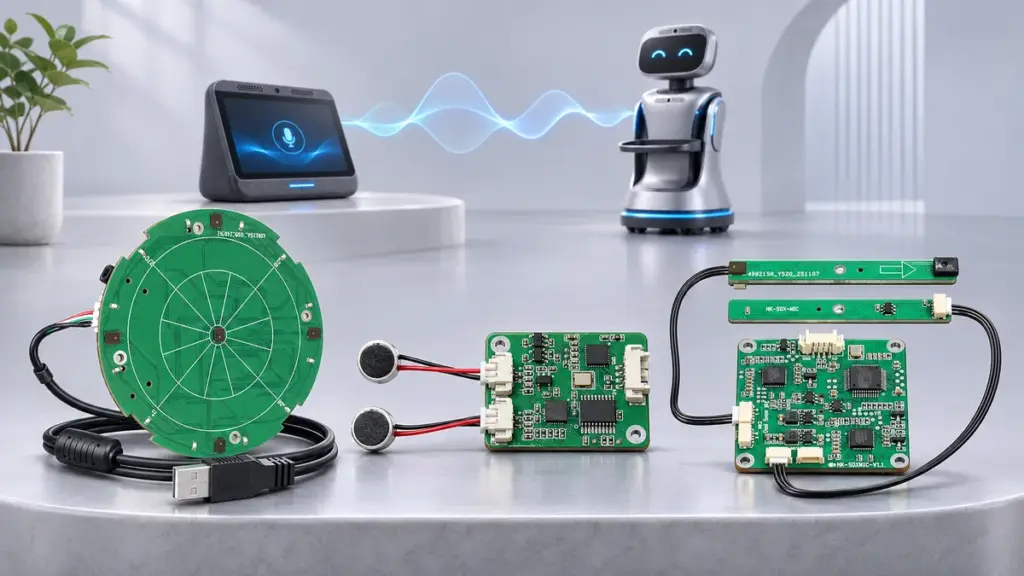
Microphone Array Modules for Smart Devices: Applications and Selection Guide
Compare HAOKAI microphone array modules for smart displays, two-person conversation terminals, and service robots, with practical guidance on pickup patterns...
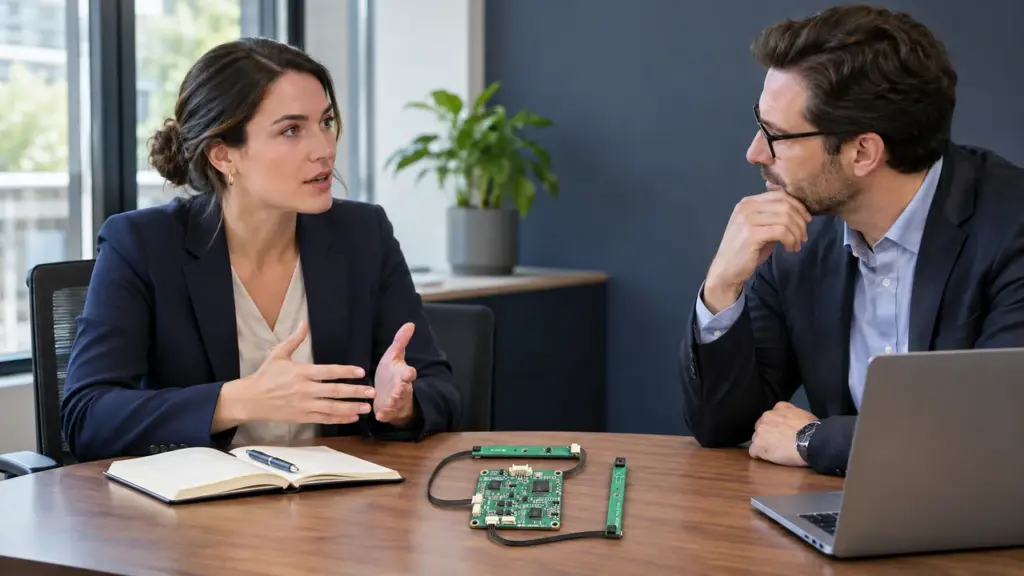
A directional microphone array for business meeting terminals: HK-SDXMIC-V1.1
Evaluate HK-SDXMIC-V1.1 for two-position business meeting terminals, with practical guidance on pickup layout, audio channel routing, transcription, and prototype testing.
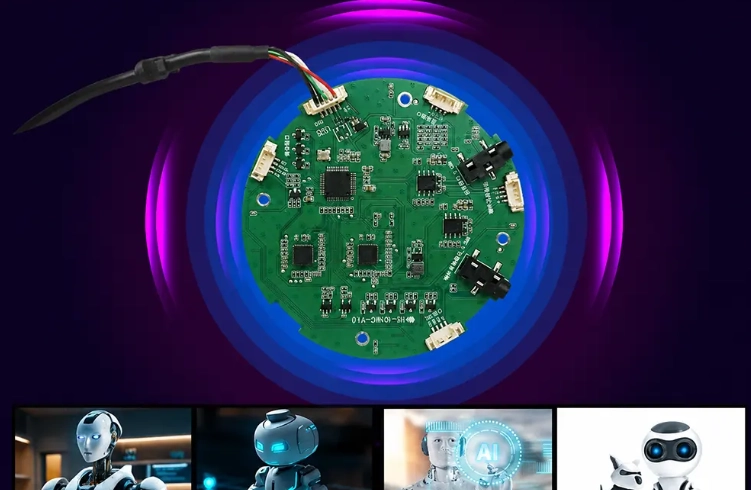
Robot Microphone Array Applications: Voice Interaction, Sound Localization, and Integration
Explore microphone array applications in service robots, humanoids, telepresence, industrial interfaces, and research, with practical guidance on audio outputs, module...
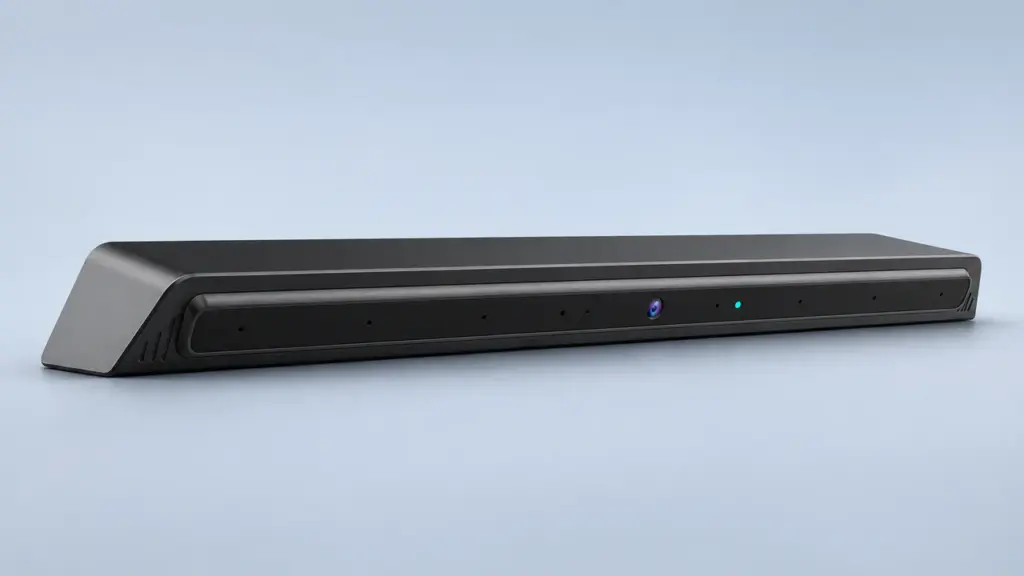
Integrating the HK-M80DC into kiosks and video conferencing devices
How to assess microphone coverage, camera framing, and USB integration when using the HK-M80DC in interactive kiosks and video conferencing...