

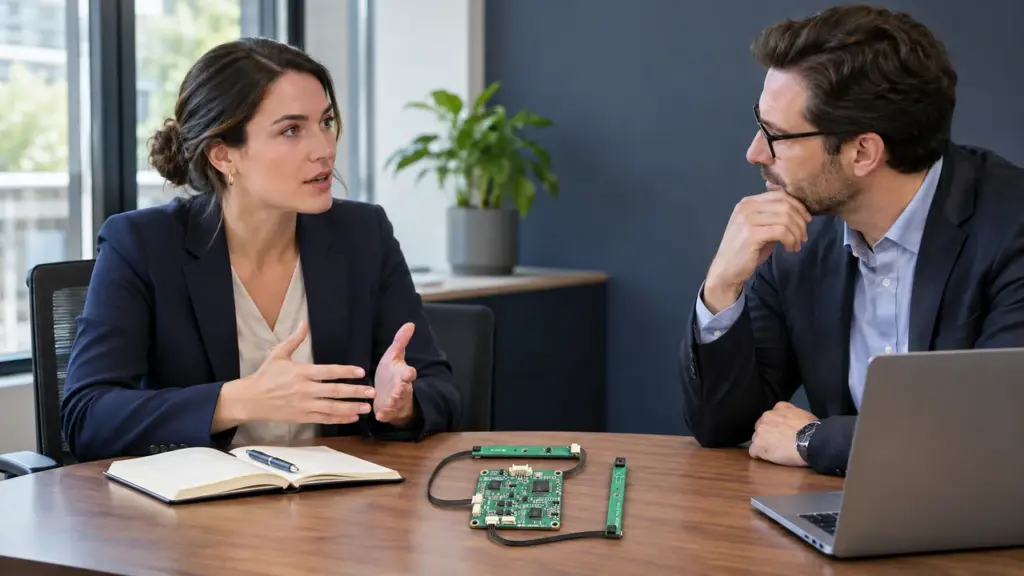
A directional microphone array for business meeting terminals: HK-SDXMIC-V1.1
A buyer and a supplier sit across a table discussing delivery schedules, component requirements, and pricing. A meeting terminal needs to capture both sides clearly. If the application also produces transcripts or translations, the engineering team must decide how to preserve the relationship between each audio source and its speaking position.
HK-SDXMIC-V1.1 is a microphone array module with dual-directional pickup and left/right channel separation. For OEMs developing business meeting hardware, it is a candidate for applications built around two defined speaking positions.
The design task starts with the conversation layout: where people sit, how they move, and how the host application handles their audio.
Where directional pickup fits business meetings
Business meetings differ considerably in their audio requirements. A procurement discussion across a desk has a different seating pattern from a boardroom presentation or a workshop where participants move between tables.
For a terminal organized around two speaking positions, evaluate these application concepts:
| Application concept | Audio workflow to evaluate |
|---|---|
| Buyer-supplier discussions | Associate each side of the discussion with a defined seat or table position |
| Interview-style business meetings | Maintain a consistent interviewer and respondent channel mapping |
| Bilingual business discussions | Route audio to the appropriate speech recognition and translation workflow |
| Desktop meeting assistants | Preserve source-channel information for recording and later review |
These are proposed integration scenarios. Each requires validation in the finished device.
A two-zone design becomes less suitable when participants regularly speak from outside the intended seating area. Before selecting hardware for a long table or flexible meeting space, map every required speaking position and determine whether a different coverage architecture is needed.
Technical specifications relevant to integration
HK-SDXMIC-V1.1 microphone array module provides the following integration characteristics:
| Specification | HK-SDXMIC-V1.1 |
|---|---|
| Digital microphones | 4 |
| Pickup directionality | Dual 60° directional pickup |
| Recommended pickup distance | Within 3 m; verify performance in the intended enclosure and room |
| Audio capture formats | 16 kHz / 48 kHz at 16-bit |
| Audio connectivity | USB Audio Class 1.0; USB-4Pin-1.25mm interface |
| Voice processing | Voice enhancement, beamforming, directional pickup, noise suppression, automatic gain control |
| Channel handling | Left/right channel separation |
| Physical controls | Pickup-volume adjustment and one-click mute |
| Board dimensions | Main board: 38 × 38 mm; each microphone board: 53 × 6 mm |
Mechanical and electrical integration details are available on our HK-SDXMIC-V1.1 product page.
Use the pickup angle and distance as inputs to prototype testing. They do not establish uniform intelligibility at every seat or under every background-noise condition.
Design the pickup layout around actual speaking positions
Begin with a seating drawing that shows mouth positions relative to the microphone boards. Include normal variations: a participant leaning back, turning toward a display, or looking down at a document while speaking.
Position the acoustic openings so the enclosure does not obstruct the intended pickup paths. Check the effect of protective mesh, recessed openings, and nearby surfaces in the assembled prototype.
A practical evaluation should answer four questions:
- Can both participants speak at a comfortable level without leaning toward the device?
- Does normal head movement cause missed words or noticeable changes in tone?
- How much of each participant appears in the opposite channel?
- What happens when someone outside the intended area speaks?
Record each channel separately during these tests. A combined playback can hide differences between the two pickup paths.
Repeat the evaluation with laptops, documents, and other objects in their normal positions. Test the finished enclosure before approving the mechanical design.
Preserve channel information through the software path
For meeting recording, channel routing deserves attention early in development. Confirm how the module enumerates on the target host, which capture formats are available, and how the application receives the audio.
Then trace the complete path:
Microphone capture → host audio input → recording or processing application → stored audio and transcript
At each stage, check whether the software retains separate channels or mixes them together. If a workflow needs source-specific transcripts, an early mixdown may remove information the application intended to preserve.
Channel-aware transcription is an available software approach. For example, Microsoft documents a multichannel transcription workflow that returns recognition results tagged by source channel. This illustrates a possible processing architecture; compatibility with a particular terminal still requires integration testing.
Keep a distinction between a channel and a person. A channel can identify a configured speaking position. If participants change seats or several people share the same pickup zone, the application needs additional logic or user input to maintain accurate speaker labels.
For bilingual meetings, also verify how the application selects languages, handles interruptions, and associates translated text with the correct source. Translation is a host-software function.
Plan echo control for hybrid meetings
A local recording terminal and a hybrid meeting endpoint have different signal-routing requirements.
During a remote call, the terminal may play a remote participant through a loudspeaker. That audio can enter the local microphones and return to the remote participant as echo. Acoustic echo cancellation addresses this return path using a reference associated with the playback signal.
For an HK-SDXMIC-V1.1-based hybrid endpoint, treat AEC as a system requirement to verify. Confirm whether the host application, operating environment, or a separate audio processor will provide it.
Test the complete playback and capture path with:
- Remote speech playing while local participants remain silent.
- Local and remote participants speaking simultaneously.
- Changes in loudspeaker volume.
- Microphone mute and unmute transitions.
- Reconnection after the host sleeps or the USB connection resets.
Listen from the remote endpoint during evaluation. Local playback alone will not reveal everything the remote participant hears.
USB audio support also needs to be distinguished from conferencing-platform certification. Validate the intended operating system, application, and device configuration directly.
Validate recording and transcription with business content
Use test conversations that resemble the intended meeting.
For procurement and engineering discussions, include part numbers, quantities, delivery dates, abbreviations, and technical terms. A transcript can appear readable while still containing an incorrect model number or deadline.
Build a repeatable acceptance test before adjusting processing settings:
| Test area | Suggested method | Evidence to retain |
|---|---|---|
| Speech intelligibility | Read the same script from each intended seat | Recordings and a log of missed or unclear words |
| Channel separation | Speak from one position at a time | Separate channel files and measured leakage |
| Simultaneous speech | Use scripted interruptions and overlapping replies | Audio excerpts and attribution errors |
| Background noise | Repeat with typical HVAC, typing, and paper handling | Test conditions and listening notes |
| Transcription | Compare output with a manually checked reference | Word errors and business-critical term errors |
| Device operation | Test startup, mute, reconnect, and extended recording | Pass/fail results and fault logs |
Set acceptance thresholds according to the application. An internal note-taking tool and a system used to review technical commitments may require different levels of accuracy and human review.
Change one integration variable at a time where practical. Comparing enclosure revisions or software settings becomes difficult when seating, playback level, and test material also change.
Choosing the right architecture for your meeting terminal
HK-SDXMIC-V1.1 merits evaluation when the device has two predictable speaking positions and the application benefits from keeping their audio paths distinct.
Before committing to a design, document the seating layout, target host, recording format, playback arrangement, and downstream processing requirements. Use those requirements to assess the prototype.
For a larger room, expand the coverage study before selecting the microphone architecture. For a transcription terminal, verify channel preservation and recognition quality. For a hybrid endpoint, include echo control and remote listening tests in the acceptance plan.
We provide the module as part of the device’s audio capture design. The finished meeting experience depends on the enclosure, host software, room, and complete signal path.
FAQs
Is this approach suitable for every conference room?
Suitability depends on the required speaking positions. A terminal designed around two defined zones needs a different coverage assessment from a room where participants sit around a long table or move freely.
Does channel separation automatically identify each speaker?
A source channel identifies an audio path. Reliable person-level labeling requires a stable seating arrangement, application logic, or a separate speaker-attribution workflow.
Can a meeting terminal use the audio for transcription or translation?
Yes, if the host software supports the captured format and the required processing workflow. Verify channel handling, recognition accuracy, and language routing in the complete system.
How should a prototype be evaluated?
Test the assembled enclosure in the intended seating layout. Review both channels, background-noise behavior, overlapping speech, host connectivity, and any loudspeaker echo path. Compare transcripts with manually checked reference text.
You May Also Like
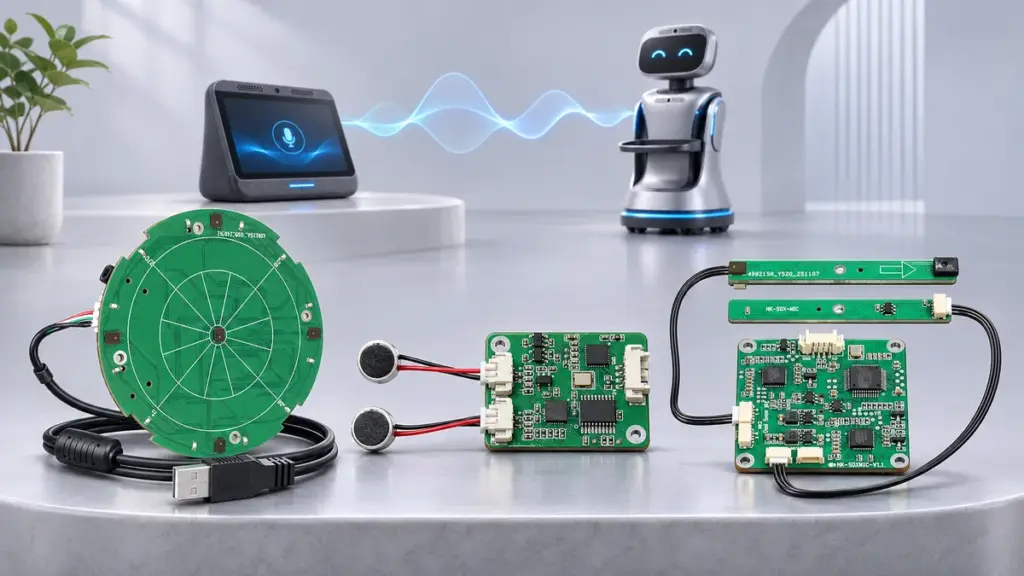
Microphone Array Modules for Smart Devices: Applications and Selection Guide
Compare HAOKAI microphone array modules for smart displays, two-person conversation terminals, and service robots, with practical guidance on pickup patterns...
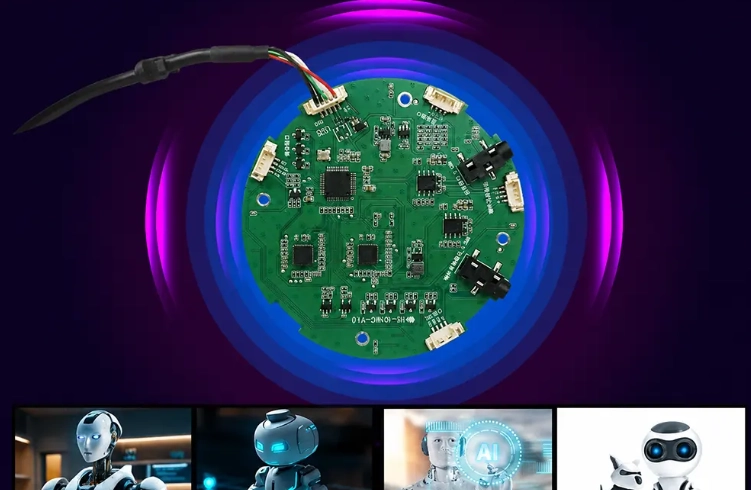
Robot Microphone Array Applications: Voice Interaction, Sound Localization, and Integration
Explore microphone array applications in service robots, humanoids, telepresence, industrial interfaces, and research, with practical guidance on audio outputs, module...
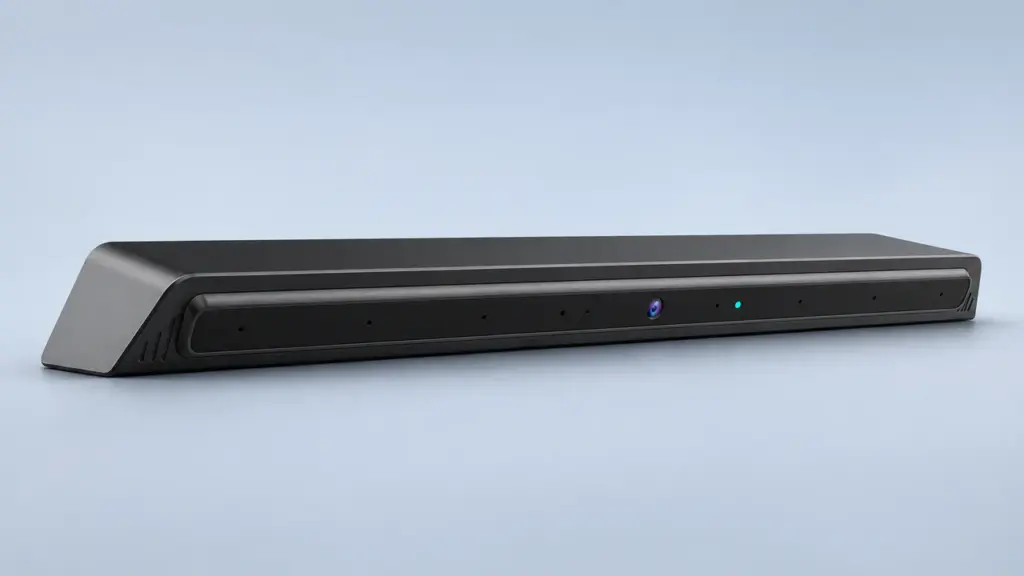
Integrating the HK-M80DC into kiosks and video conferencing devices
How to assess microphone coverage, camera framing, and USB integration when using the HK-M80DC in interactive kiosks and video conferencing...
M20-Single 2-Array Directional Microphone for office calls and meetings
Set up the HAOKAI M20-Single directional USB microphone for desktop calls, presentations, and meetings with a fixed speaking position. Check...