

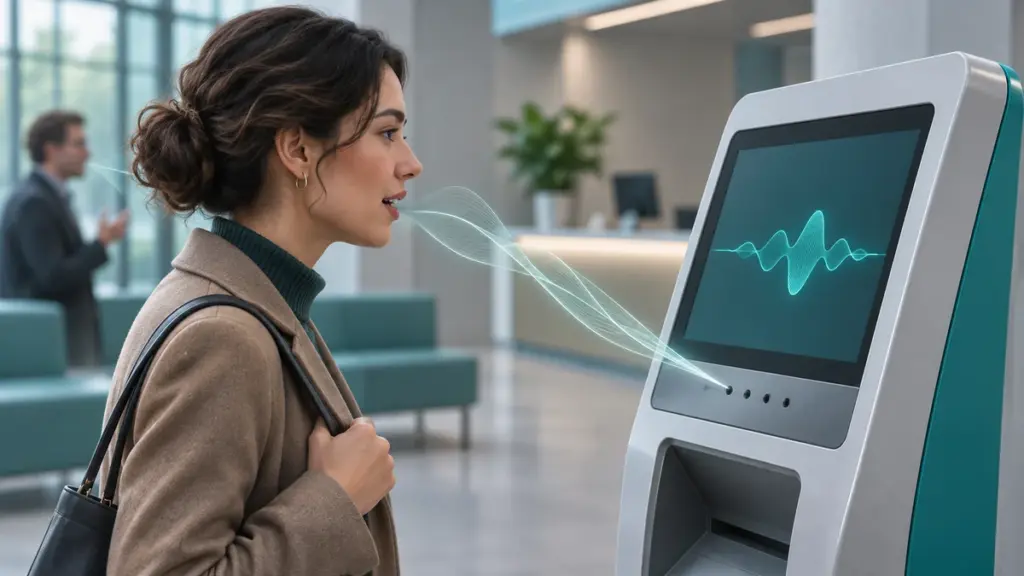
Audio array mic for voice kiosks: How to test speech capture
An audio array mic uses multiple microphones whose signals can be processed together for voice capture or acoustic analysis. In a voice kiosk, a suitable array can help capture a customer’s speech within the intended interaction area. Results depend on the array layout, signal processing, installation, and surrounding sound.
A useful evaluation follows the complete interaction: a customer approaches, hears a prompt, speaks, and receives the correct response. Test that sequence in a representative enclosure with the intended speech recognition software before committing to a microphone design.
What does a microphone array do in a voice kiosk?
A kiosk microphone array supplies audio to the system that detects and interprets speech. Depending on the design, it may deliver separate microphone channels for host processing, processed speech audio, or both.
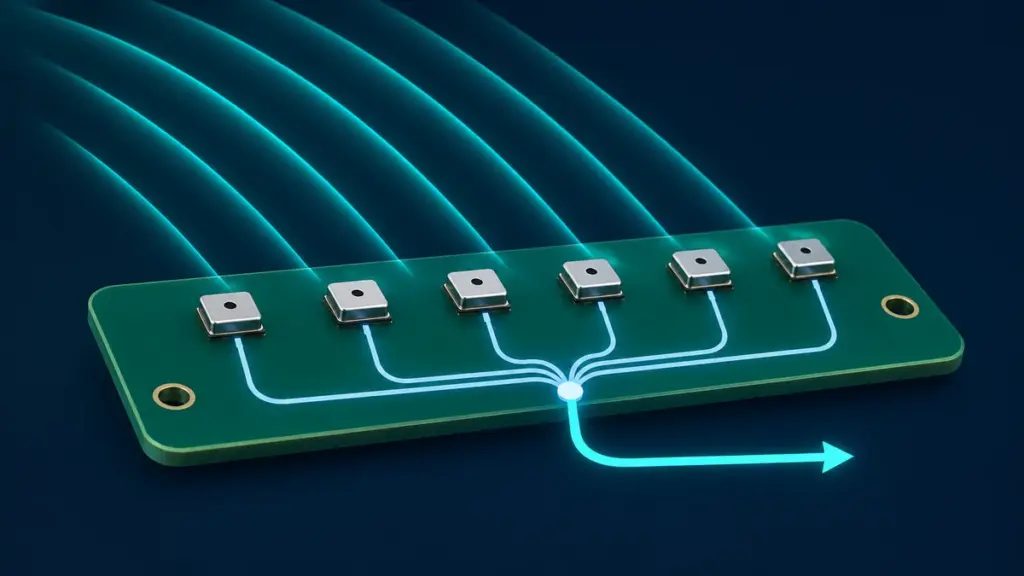
Beamforming combines microphone signals to emphasize sound from a chosen direction. For example, a delay-and-sum beamformer compensates for arrival-time differences before combining the channels.
Other functions have separate roles. Noise suppression reduces unwanted signal content. Acoustic echo cancellation (AEC) addresses the kiosk’s own loudspeaker output returning through the microphones. Automatic gain control (AGC) adjusts signal level.
Confirm which functions the module actually provides. A raw microphone board leaves processing responsibilities with the host, while a processed audio module may perform several functions before audio reaches the application.
Define the customer’s speaking area
Start with a drawing of where customers will stand and where their mouths will be relative to the microphone openings. Include people at different heights and users approaching from either side.
A forward-facing service kiosk has a different coverage requirement from a device that accepts speech around a table. Broad pickup can include nearby conversations; a narrow response can miss a customer standing outside its useful region.
Specify the intended speaking area as positions to test. Include a central position, the left and right edges, and the nearest and farthest expected positions. Use these same locations when comparing modules.
For background on array geometry and processing, see our OEM beamforming microphone array guide.
Check the audio that reaches the application
The number of microphones on a board does not establish the number of independent audio channels available to your software. Firmware may combine several inputs into fewer processed outputs.
Before acoustic testing, record the following:
- Available raw and processed channels, including their channel map.
- Sample rates and sample formats supported by the device and application.
- Enabled processing, gain settings, and any additional host audio effects.
- Playback reference routing if the system uses AEC.
- Firmware version, host software version, and enclosure revision.
Inspect a recording made through the actual application path. A separate recording tool may use different channels or settings from the deployed speech recognition service.
Build a repeatable kiosk test
Prepare a fixed set of realistic customer utterances. Include short commands, longer requests, and terms the kiosk must distinguish, such as department names or destination names. Use several speakers representative of the expected users.
Keep the speech material and scoring rules consistent between candidates. Record user position, noise conditions, loudspeaker volume, and processing settings for each run.
The following scenarios are an engineering test plan, not measured performance claims for a particular microphone.
| Test condition | What to examine | Useful result to record |
|---|---|---|
| Customer speaks from the center and edges of the interaction area | Coverage gaps and changes with position | Correct command rate by position |
| Cooling fan runs at normal operating speeds | Interference from the assembled device | Recognition results with the fan on and off |
| Another person speaks beside or behind the customer | Rejection of competing speech | Intended commands accepted and unintended actions triggered |
| Kiosk plays a prompt while the customer speaks | Echo handling and interruption behavior | Successful interruptions and playback-induced triggers |
| Customer speaks in the installed enclosure in a reflective space | Sensitivity to the enclosure and room | Recognition results compared with the bench setup |
| Device runs under representative computing load | Audio continuity and interaction delay | Dropouts and response timing |
Choose the test levels and distances from the deployment requirements. A noise recording played quietly on a nearby laptop does not establish performance in a busy service hall.
Test customer interruptions separately
A customer may answer before a spoken prompt finishes. This creates double-talk: local speech and loudspeaker playback occur at the same time.
Test playback alone, customer speech alone, and both together. Check whether playback triggers the recognizer, whether the beginning of the customer’s sentence survives, and whether the requested action is correct.
If the application supports barge-in, also verify that it stops or attenuates the prompt as intended. Microphone processing and application interruption logic both contribute to the result.
Measure task success alongside audio quality
Listen for clipping, missing syllables, and processing artifacts, then score the task the kiosk must complete. A recording that sounds cleaner can still lose words needed by the recognizer.
For a command interface, a useful measure is:
Correct command rate = correctly executed intended commands ÷ attempted intended commands.
Define a successful command before testing. If a customer asks for a department and the kiosk selects a different department, the attempt has failed even if most words were transcribed correctly.
Track unwanted activations separately. For a wake-word interface, record false activations per unit of test time under specified background conditions. Record missed wake words against the number of intended wake-word attempts.
For transcription, word error rate (WER) measures substitutions, deletions, and insertions relative to the reference word count. Keep the reference transcripts and text-normalization rules consistent. Command accuracy and WER answer different questions, so choose the measure that matches the application.
Measure response time using defined endpoints, such as the end of the customer’s utterance to the start of the kiosk’s response. That measurement includes recognition and application delays as well as audio capture. Keep it separate from microphone-path latency.
Choose raw or processed audio around your development needs
Raw multichannel capture is useful when your team needs to develop or compare spatial audio algorithms. It requires access to the individual channels and verification of their timing relationships. The host must provide the processing needed by the application.
HK-ARRAYMIC-RAW-V1.0 provides an eight-microphone linear array with raw audio output for host-side processing. Its acquisition specification is 16 kHz, 16-bit. It has no onboard noise reduction or suppression capability, so the host processing chain needs to be included in evaluation.
A module with onboard processing can suit a team that needs processed speech input. Confirm its output modes, configuration controls, and playback-reference requirements, then run the same kiosk tests.
Before selecting a configuration, prepare a short requirement sheet covering the speaking area, host audio interface, loudspeaker arrangement, and pass criteria. Compare candidate microphone systems against those requirements in the assembled kiosk.
FAQs
Is an audio array mic the same as a microphone array?
In technical discussions, the phrase can describe a microphone array: multiple microphones used together. The wording is ambiguous because Audio Array is also an audio equipment brand. Check whether a listing describes array technology or a brand’s individual microphone product.
Does a kiosk need directional or omnidirectional pickup?
The choice depends on where customers speak. A defined forward interaction area may suit directional capture. A device serving users around it needs broader coverage. Test intended user positions and competing speech before choosing.
Does an eight-microphone array output eight raw channels?
Microphone count alone does not establish the output channel count. Firmware may combine signals into processed outputs. Verify the channel map and available capture modes for the specific device.
Can an array microphone understand speech while the kiosk is talking?
That requires a complete system that handles simultaneous speech and playback. Verify AEC, playback-reference integration, speech recognition, and application barge-in behavior together. An array by itself does not establish this capability.
What is the most useful test before choosing a kiosk microphone?
Run representative customer utterances through the intended application in the assembled enclosure. Include competing speech, fan noise, and loudspeaker playback. Score correct actions and unintended activations by test condition.
You May Also Like
8 MEMS microphone array: applications and design considerations
Explore how an eight-element MEMS microphone array can support robotics, conferencing, voice control, and acoustic research, with practical guidance on...
Microphone array vs. single microphone: What is the difference?
Compare microphone arrays and single microphones for embedded voice systems, including directional pickup, processing, host audio, and HAOKAI module selection.
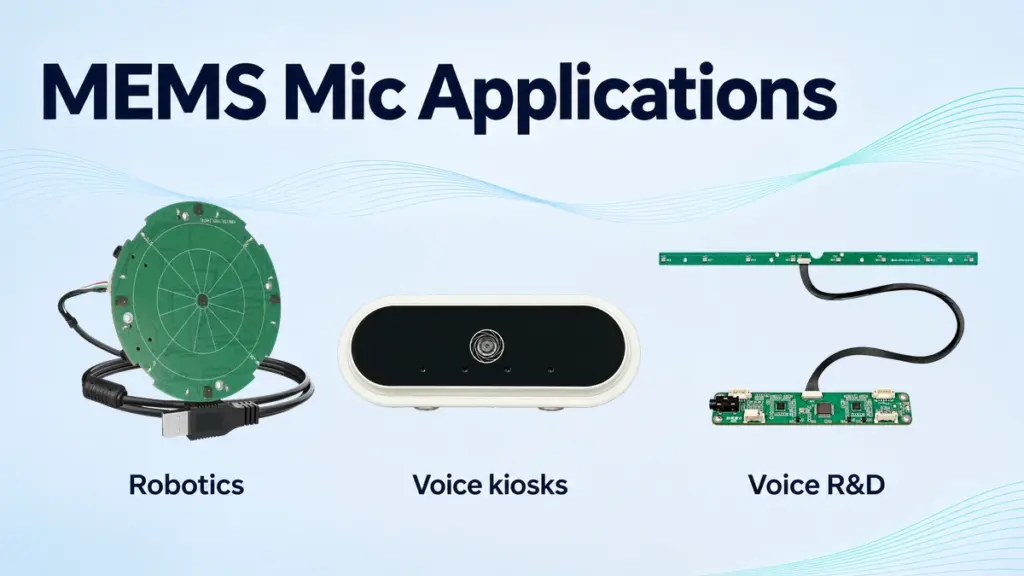
MEMS mic applications for robots, kiosks, and voice R&D
Compare three microphone array modules for service robots, voice kiosks, and acoustic research. See what output each application needs and...
Mic array meaning: What is a microphone array and how does it work?
Understand what a mic array means, how it works, and how to compare microphone count, directional pickup, audio processing, and...